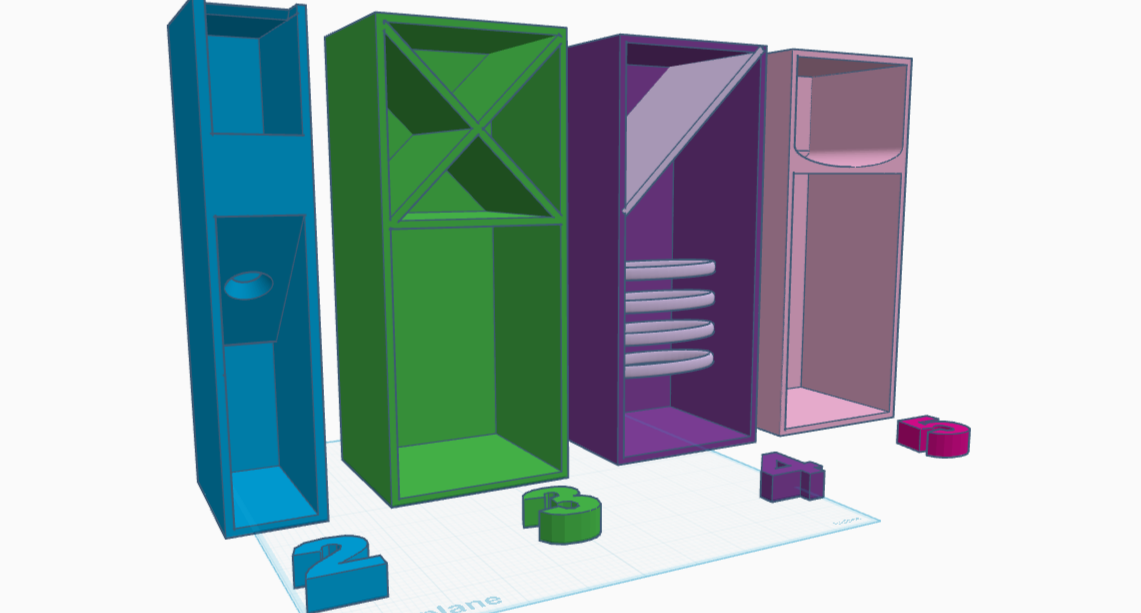
Rapid Prototyping: 3D-Printed Cabinet Organizer Extravaganza (Part Two)
The angled piece (v 2.0) looks much better in reality than it did on the printbed. It has a great width, and can hold a Tide stain pen or a tube of neosporin with the same ease and accessibility. If it were to hold toothbrushes (it is not) it would have to be an inch deeper — I tried and the head stuck up a rather lot.
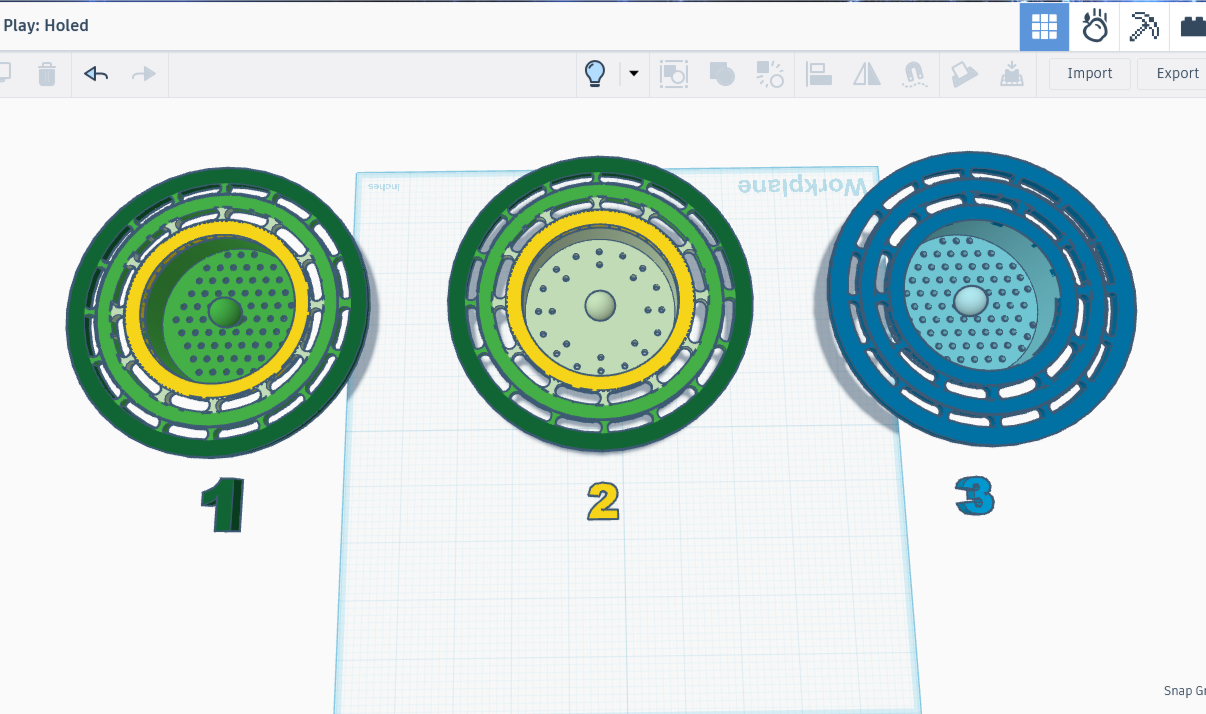
Rapid Prototyping: 3D-Printed Sink Plug Bonanza (Part One)
The strainer has made a monumental difference in our household: the only things to fall into the garbage disposal are the things that are in the cup of the drain, and they fall in only when a person tips the stuff out. However I dislike the rough texture around the holes, a problem created by the supports I added when printing it upside-down. It’s starting to look a bit gross, and I am 100% confident that it’s germy. I’m gonna print a new one without the drip mechanism, as that turned out to be both unnecessary and problematic.
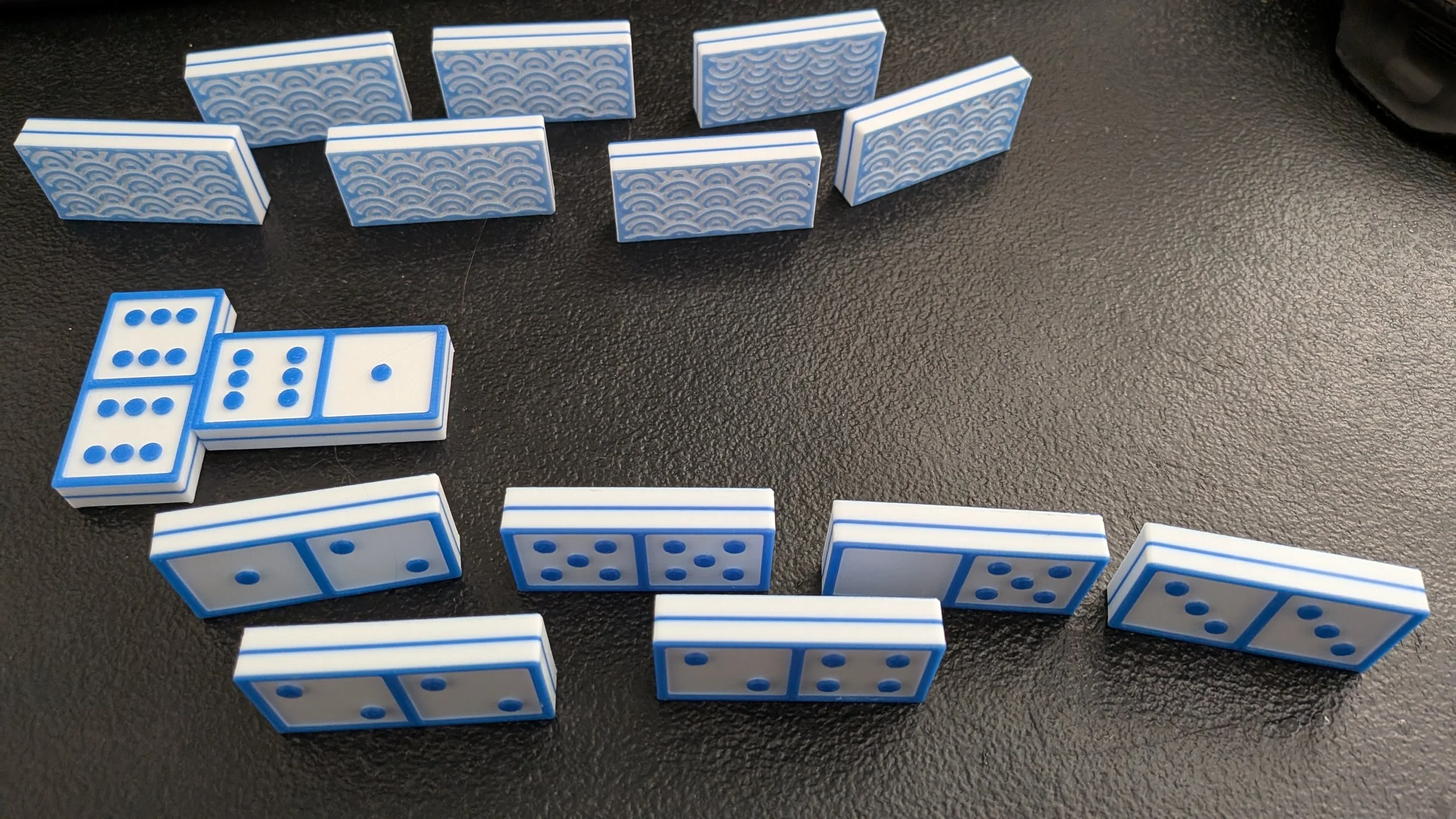
Wagara Five Seasons High-Contrast 3D Printed Domino Set: Creating the Seigaiha Set (Part Two)
It was then that I decided to learn SolidWorks. It was exciting, infuriating, and amazing all at once. I could feel the power under the engine, so to speak. I learned how to make a 3-point arc, what a sketch was, and how to create guidelines, all of which took a long time, but resulted in a very nice repeatable pattern.
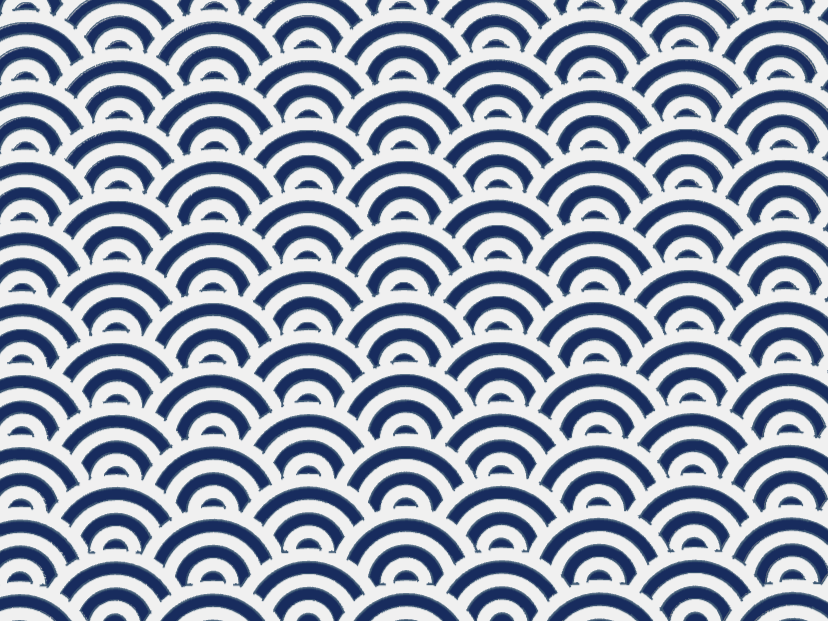
Wagara Five Seasons High-Contrast 3D Printed Domino Set: History (Part One)
I hadn’t found the answer to my initial question about the name of that style of art on the panels, but I found something else: a new project! I’m going to make a series of wagara high-contrast prints for each season. There is a twist to the project: I’m going to use these designs as backs for custom sets of dominoes, matching each season’s dominoes with its own custom box and lid.
Designing and 3D-Printing a Custom Set of Dominoes Splashed with Color!
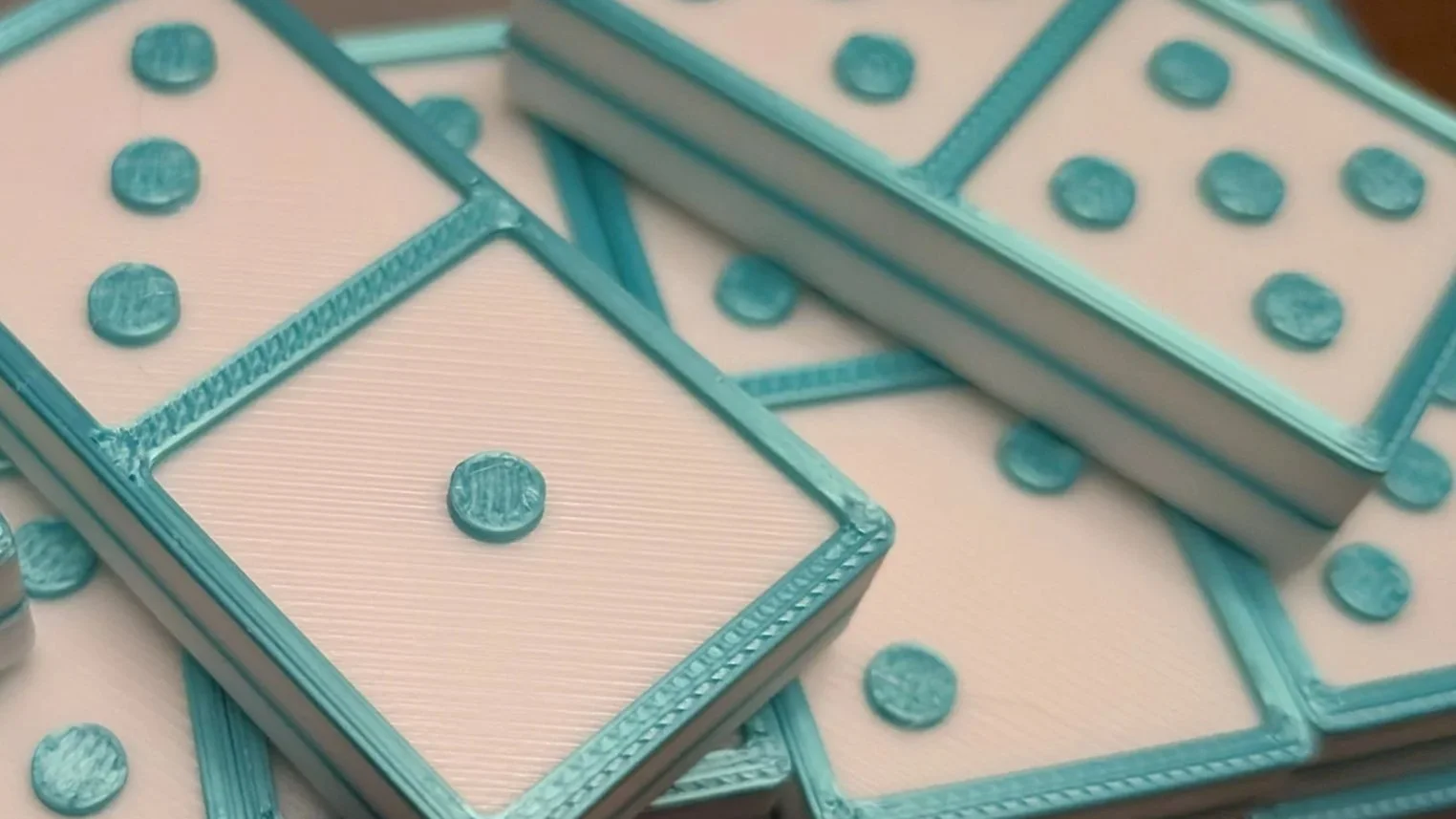
In my mind, the dominoes are already finished and in front of me. They’re ivory in color save for two bands: a band of red in the center, and another around the top, where the matching pips are. The center band of color isn’t very wide, only thick enough to prevent the color of the pips from showing through. The top band, made colorful via the filament-swap technique (like the center layer), is not only decorative, but also hides the raised pips when the dominoes are face-down.
Custom 3D-Printed File Separator with Cherry Blossom Branch Design
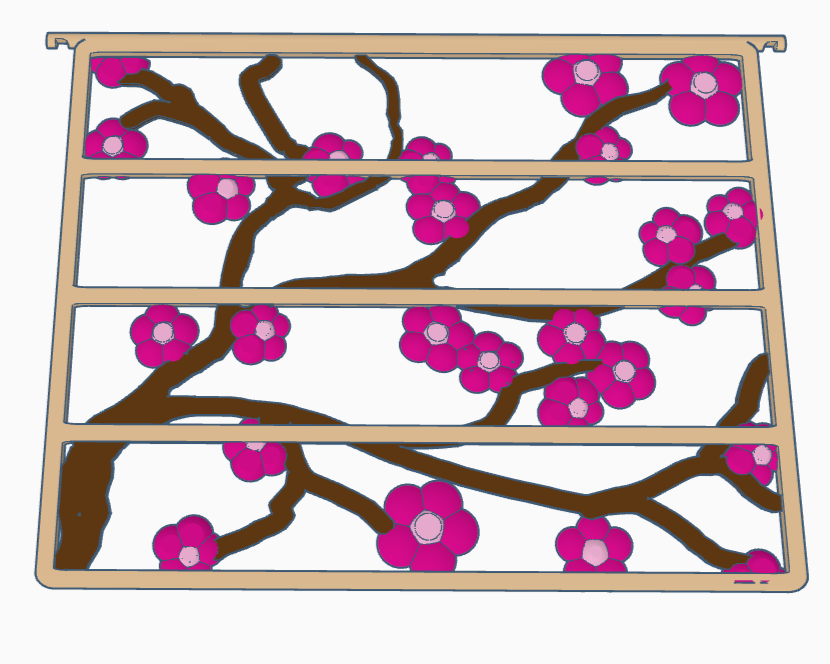
I hadn’t played with the scribble tool before, so it was kind of cool to use it to solve the problem I was having making branches. It was so cool, in fact, that I wanted to share the technique, as well as show my very pretty cherry blossom trellis divider.
Working with a Client: Managing Expectations in 3D-Printed Design
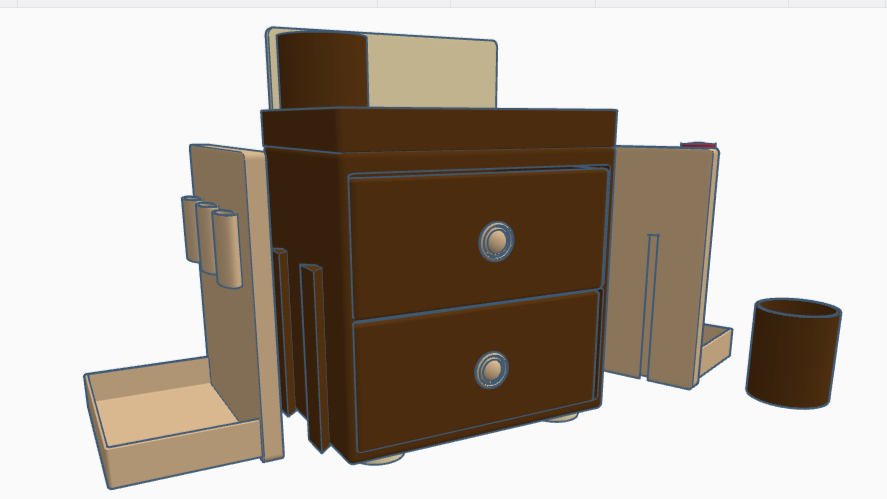
Seeing the project in 3D for the first time impressed the client with new possibilities. We could put holders for glue sticks on the side, above the crayon tray. Could we add holders for scissors on the other side, perhaps? Yes we could! I looked up the size of glue sticks and safety scissors, then used those dimensions to make and place mock-ups of the new holders.
3D Printing Simple Machines (Inclined Plane)
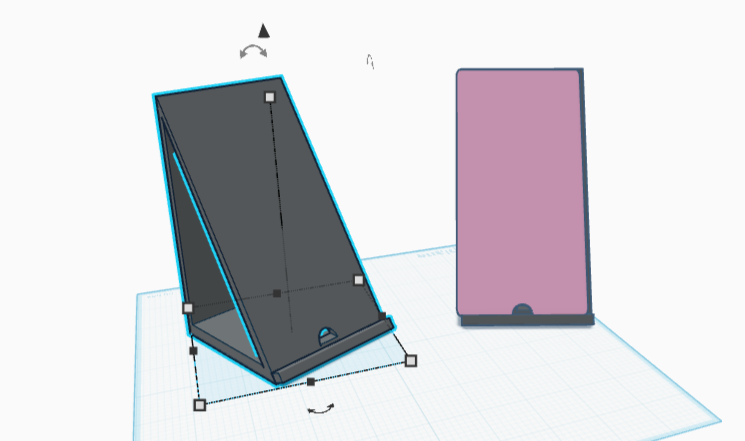
I got out my trusty sketchpad, found one of the few remaining blank pages that didn’t also have either coffee stains or smudged graphite, and started on a technical drawing. Quarter the paper, check. Mark Top, Front, and Side, check. Decide on a scale, check. Fill in the title block, check. So far so good.
3D Printing Simple Machines (Wheel and Axle)
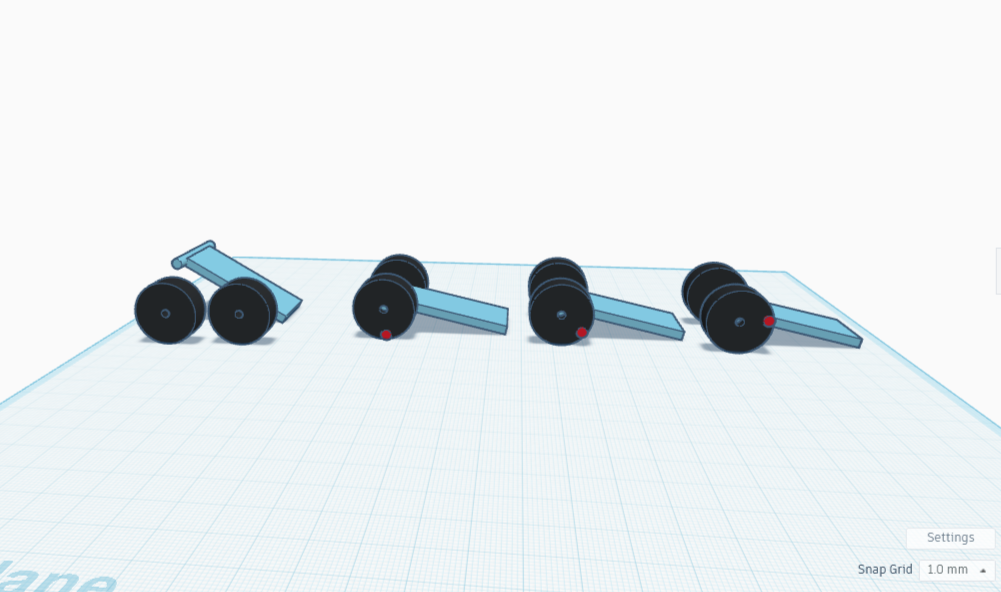
I printed my super-cute wheeled cart. The wheels really spin, exciting! I added some reins then hitched the cart to a ceramic turtle. Scooching the turtle pulled the cart along, wheels spinning. Encouraged, I next hitched a 3-D printed bag clip to the turtle, then tugged it a bit, noting how much the clip seemed to resist being pulled. Lastly I put the clip on the cart, hitched it to the turtle, and tugged again. It moved with noticeably more ease.
Custom Design: Compliant Sink Plug that Tapers (Part 2)
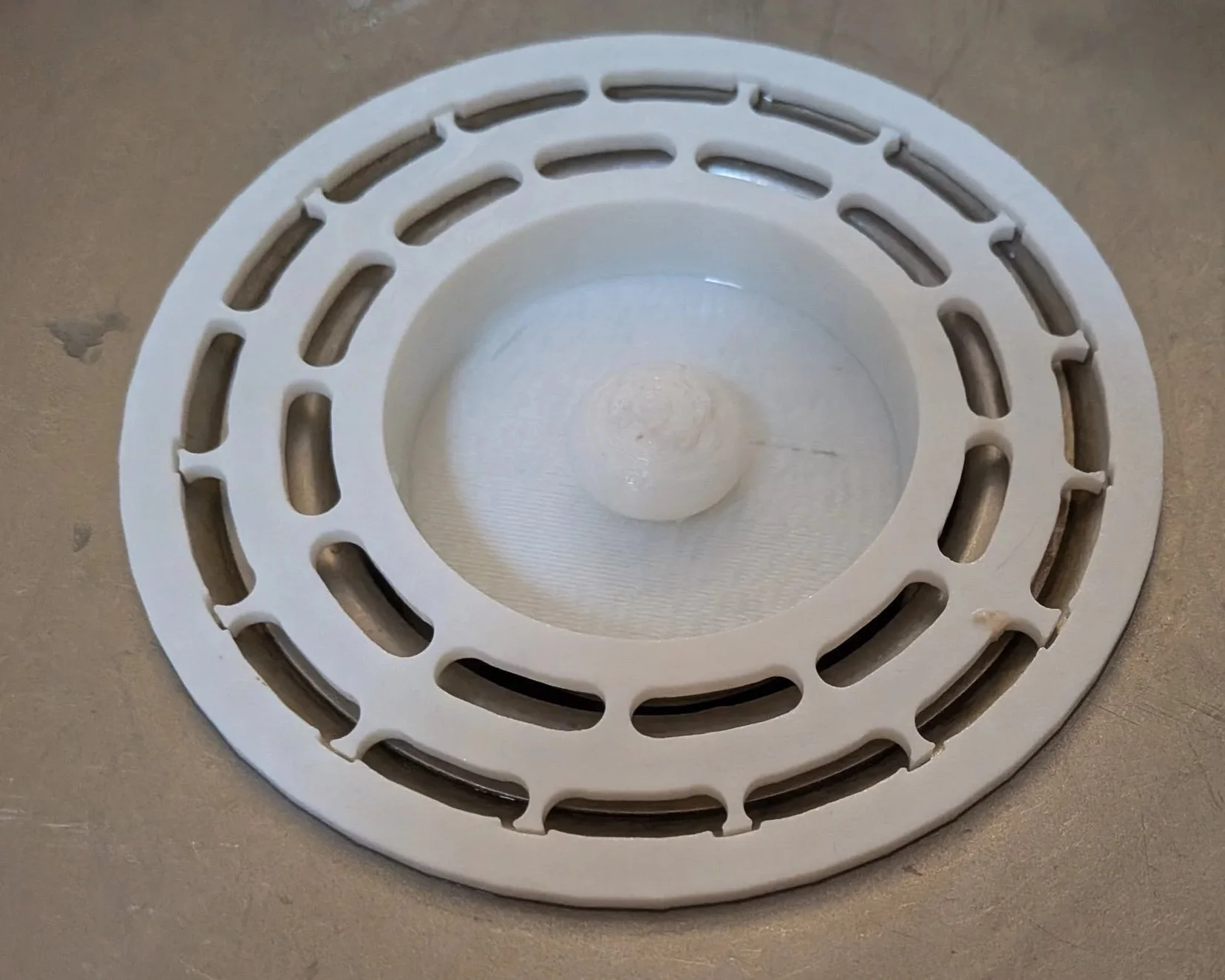
The result: it’s a great strainer, guarding my sink drain as we speak. However, and this is a BIG HOWEVER, the well collects water. Not good. The strainer portion has some flex, and lets water flow. The fit is nice, the handle is comfortable though it really should get sanded down, as the texture is rough here. This device does what I want, but needs a redesign to be truly thoughtful.
Custom Design: Compliant Sink Plug with Strainer
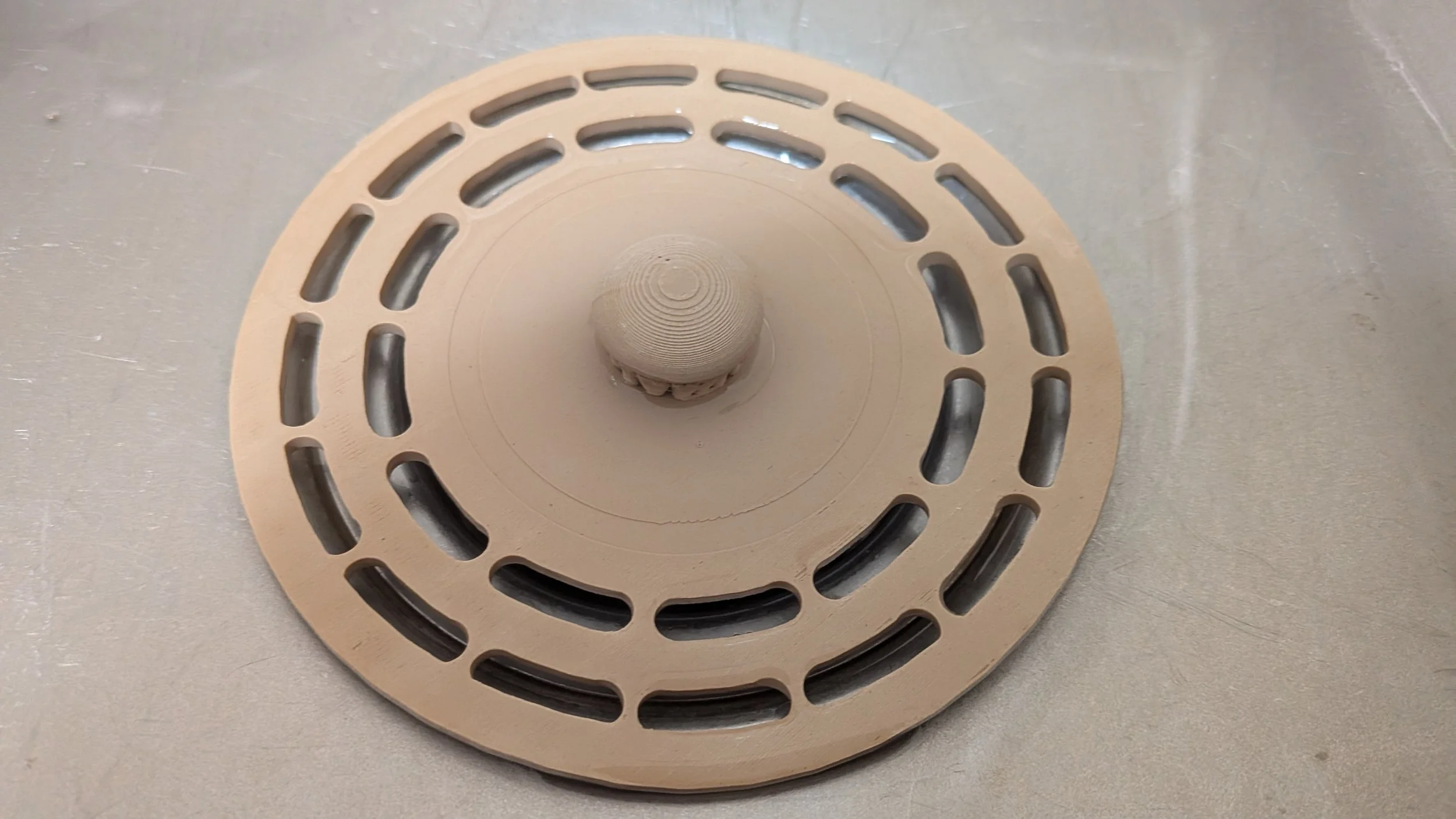
"The next step was to make the rings flexible. I like the print in place flexible strips I had made earlier; I felt like more give would let it resist the weight of heavy kitchen items, while the holes would provide drainage."
Repairing a Drawer via a Custom 3D Printed Patch: the Compound Wedge (Part 2)
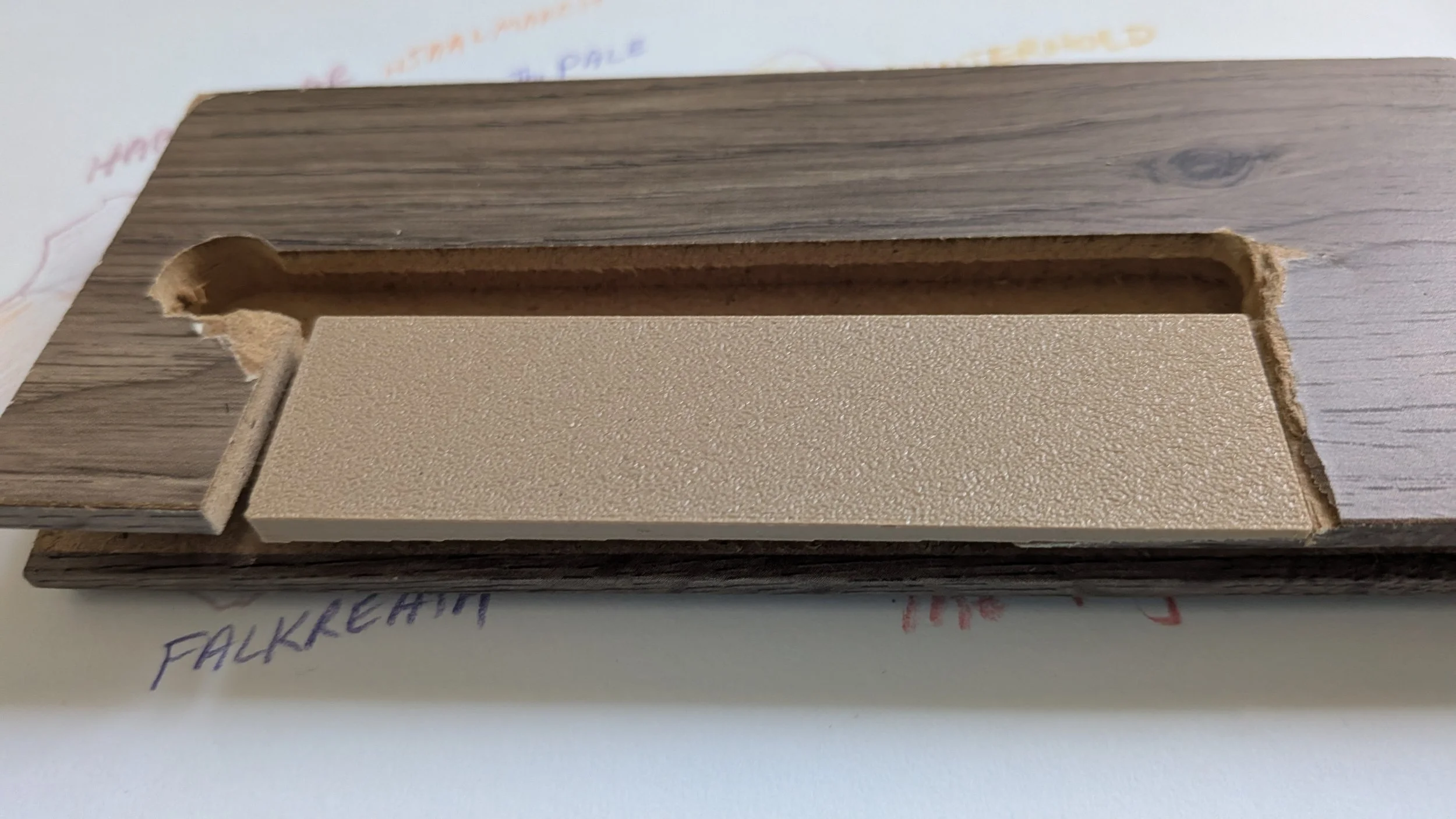
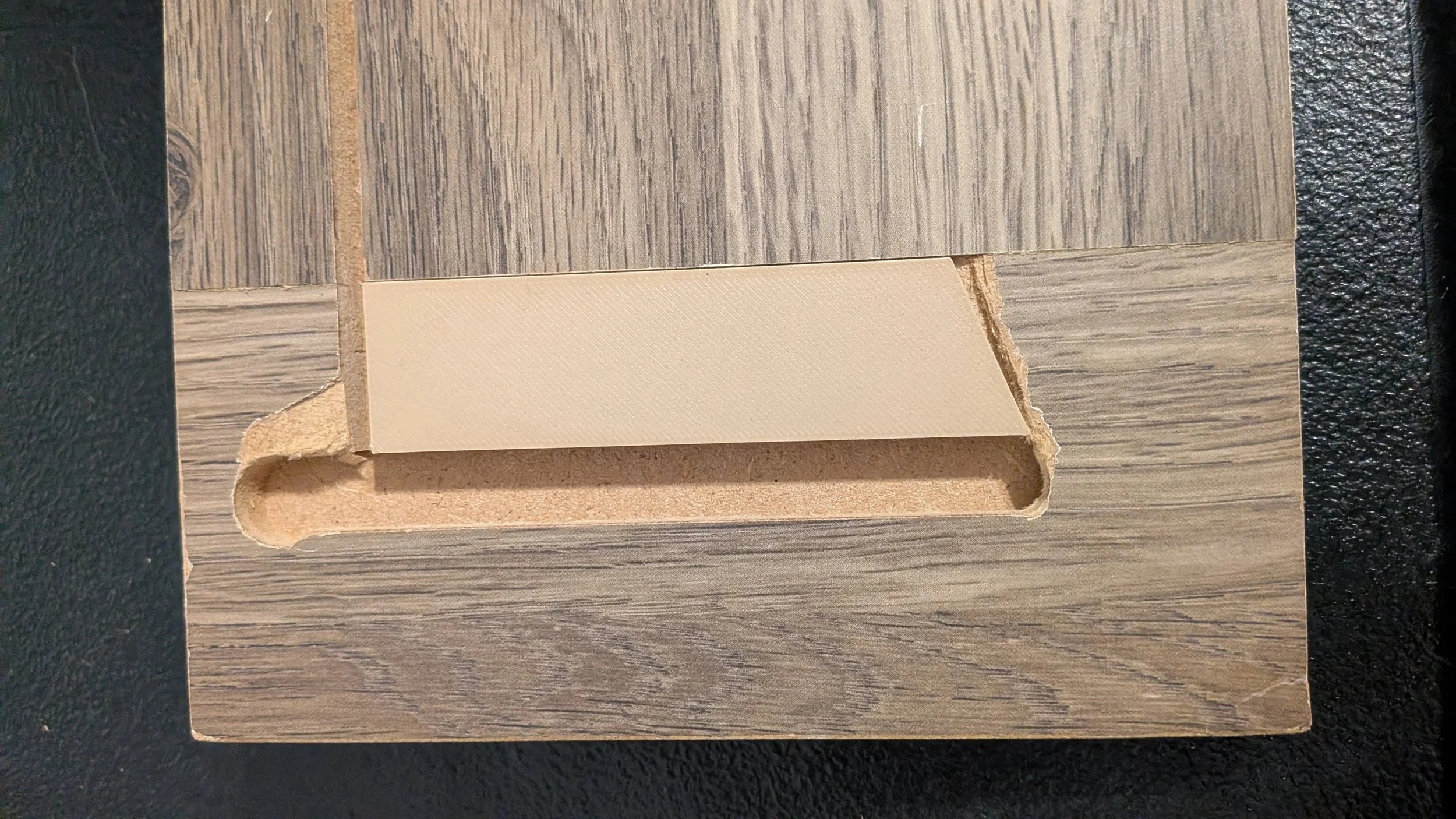
Of course it wasn’t that easy, notably because this panel wasn’t missing a simple wedge: it was a wedge missing a wedge, a sloped angle that suddenly sloped up even harder, a compound wedge, if you will.
Repairing a Drawer via a Custom 3D Printed Patch: the Trapezoidal Dutchman (Part 1)
Version one finished printing before I finished writing the piece, it was unbelievably fast to design and build. I've already started on the second piece — by this time tomorrow we will once again have a working nightstand drawer. Hooray for 3D printing!
Tolerance vs Clearance
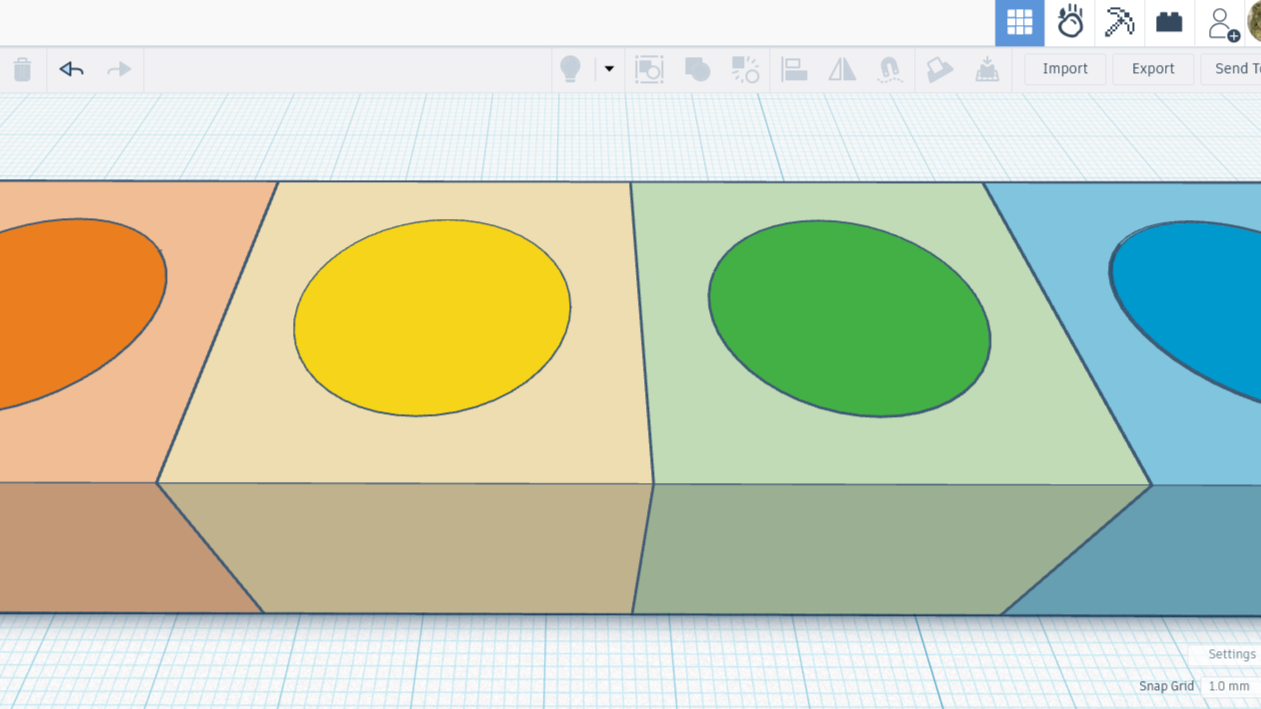
Tolerance is the allowable variation in a part’s dimension, while clearance is how much space there is between components. While the terms are sometimes used interchangeably, apparently it is an engineering bad to do so. To further confuse the issue, and possibly do more bad, tolerance gap seems to be another way of saying clearance.
Designing a 3D-Printed Lid for Comet Cleanser
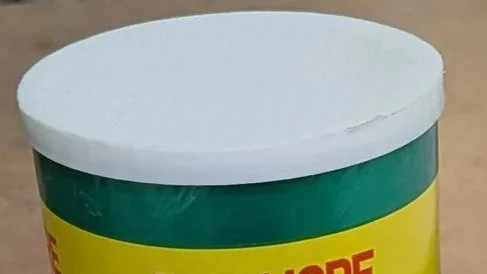
I designed a solution for that, and it was wonderful. I even had it as one of my free uploads. However I have since learned that my design might not work the same way on every printer with every filament type, and that I need documentation. Also someone seems to have thrown away the lid. Gasp.
Time for a re-design, and this time you can come along with me :)
3D Printing Simple Machines (Screw)
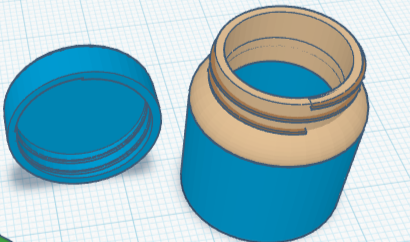
According to the AI overview, a screw is an inclined plane wrapped around a cylinder. This makes me wonder why an inclined plane by itself is a machine, yet is also listed as a machine when it’s combined with a cylinder, i.e., is a screw. I’ll find out when I get to the inclined plane section, but for the record I am curious.
3D Printing Simple Machines (Lever)
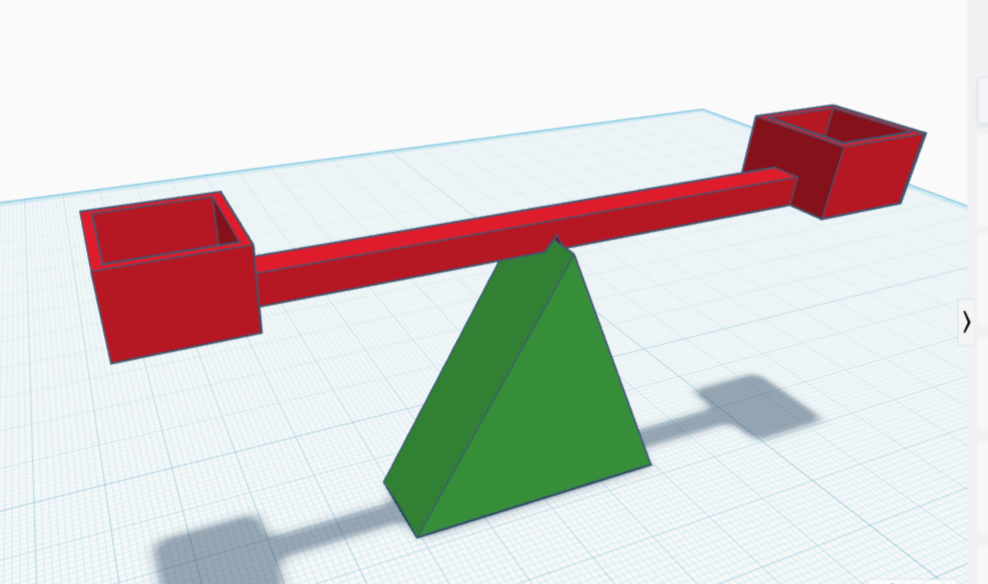
I thought it might be fun to test out my very own balancing scale! A triangle base made a fine fulcrum. I drafted a red bar and added two cube-shaped cups to either end, then added a wedge-shaped dent in the bottom center for the bar to rest on.
Same File, Different Fit: Testing Printers and Filaments (Part 2)
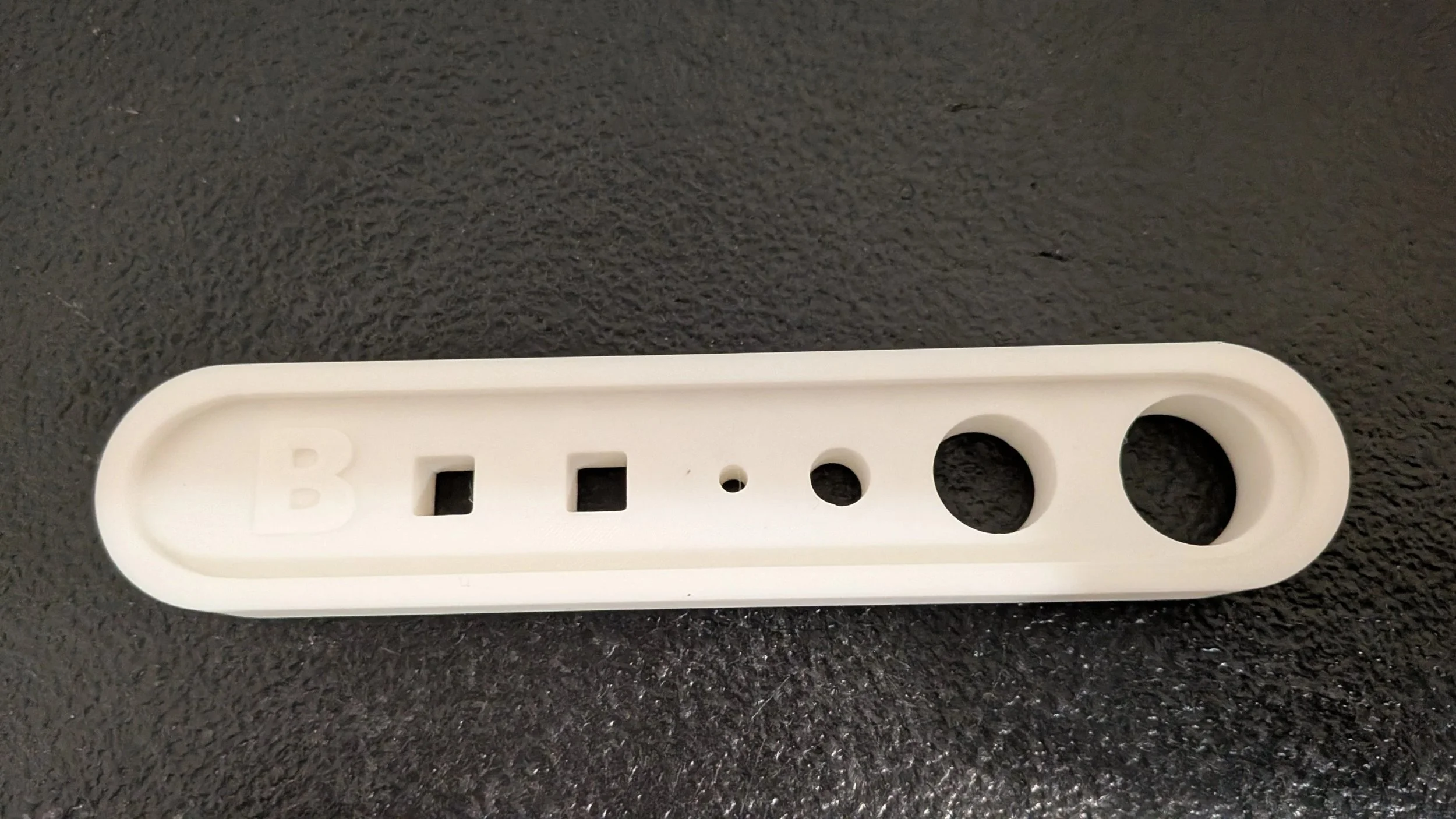
The difference in printers was rather shocking to me. I had seen it in videos, but didn't realize it affected our own so much. I have learned that with the settings as they are, the Bambu printer is more accurate, producing tighter and more consistent fits. The family prefers it for detailed prints, and it's demonstrably clear why. I mean, I just demonstrated it! ;)
Same File, Different Fit: Printers and Filaments (Part One)
Understanding this helped me realize that fit isn’t just about the model itself. A lot depends on the printer and the filament, even when everything else stays the same.

Update on the Toolbox
I love my scraper; if I had to choose between scraper and digital caliper for most useful tool, I am not sure which would win out. Probably the scraper, as I think I could replace the caliper with a ruler and some squinting. I’m sharing a snap of my new scraper, smaller than the other and with a surprisingly nice edge. This is especially handy for getting at awkward angles, and it excels at lifting small pieces.


.