3D Printed Wedding Flowers (Part 1)
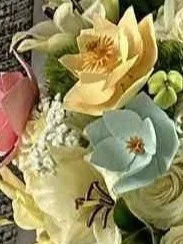
3D Printed Flower Accents in a Bridal Bouquet
3D Printed Wedding Flowers
I was approached with a request I couldn’t refuse: to make some 3D printed flowers for a wedding. I could make as many or as few as I wanted — the most important factor was that they were my own designs. I felt excited and nervous in equal measure. It was a big responsibility, as it was for one of the most important events in a person’s life. At the same time, I felt confident I was up for the challenge. The wedding was a few months away, so I decided to get started on the designs stat.
I started by looking at different kinds of flower arrangements, then ran them by the bride. I asked for a list of her favorite flowers. I didn’t know how difficult any individual flower would be to create, so I decided to look over the list and pick the one (or ones) most likely to work well.
After some discussion, the bride decided on three printed flowers specifically, with the rest of her bouquet filled with real ones. She gave me a list of four flowers to choose from (lily, hydrangea, rose, or magnolia). They would be full-sized to fit in with the rest of the bouquet.
I thought that the best way to go about this would be to do hand sketches of each individual flower that would be in the bouquet. Maybe include some background leaves, like ferns or something. I could make the blossoms using the same method I used for the flowered electrical outlet covers.
Magnolia
I liked the look of the magnolia, so I started with that one. The petals looked billowy and beautiful, while the center made me think of a crown. How perfect for a bride on her wedding day! I looked at a bunch of pictures of magnolias online, then sketched petals, leaves, the cone, and the full piece. I stepped back and considered the drawing.
Making this model was going to require the joining together of several smaller models. While that’s not new, the difficulty in aligning such disparate shapes was a new sort of problem. I didn’t think I could properly align the smaller models using this particular software, so I decided to print the pieces separately, then bond them with superglue afterwards. Carving unwanted plastic off isn’t too hard, given my chisel set, but I thought that the separating of the pieces would make that step even easier, so there was a potential bonus.
The stem would be the piece that all other pieces slip onto. If I made a single stem with a cone-shaped end, I could slip a ring shaped like a crown up over it, to cradle the base of the cone. The third piece would be five billowy petals, joined by a ring that slides over the stem, and the fourth piece would duplicate the third but with slightly larger petals. Some leaves would make a nice finishing touch — they are so broad and beautiful. I would then add a fifth and sixth piece, each a pair of leaves joined by the ring that also slides up the stem.
Six Necessary Pieces
a single jenky-shaped stem with a cone shape on the end
a circle with spiky ends, like an especially pointed crown
five billowy petal shapes, reaching up, joined by a ring
five slightly larger petal shapes, reaching up and out, joined by a ring
a pair of leaves joined to a ring
another pair of leaves joined to a ring
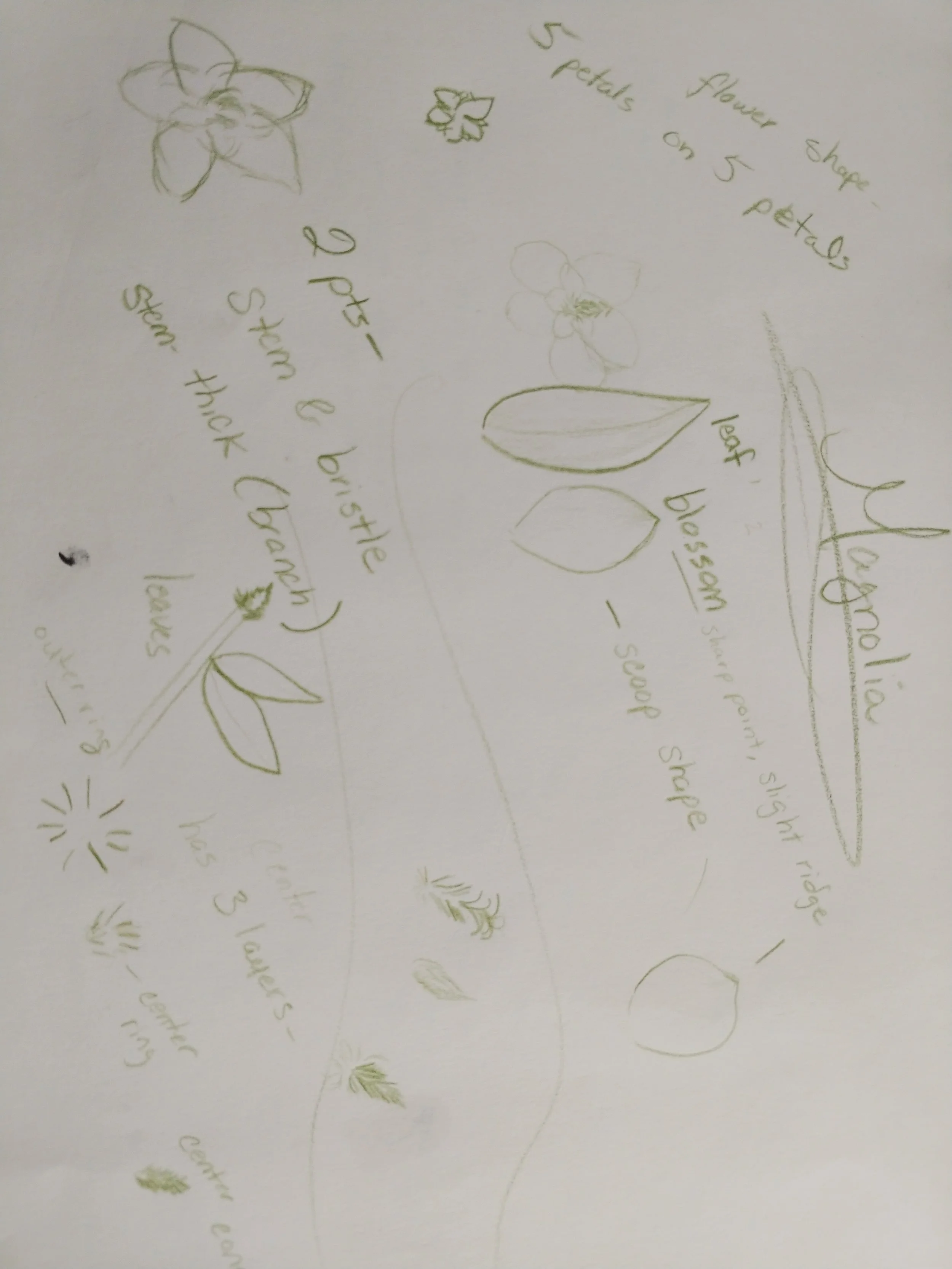
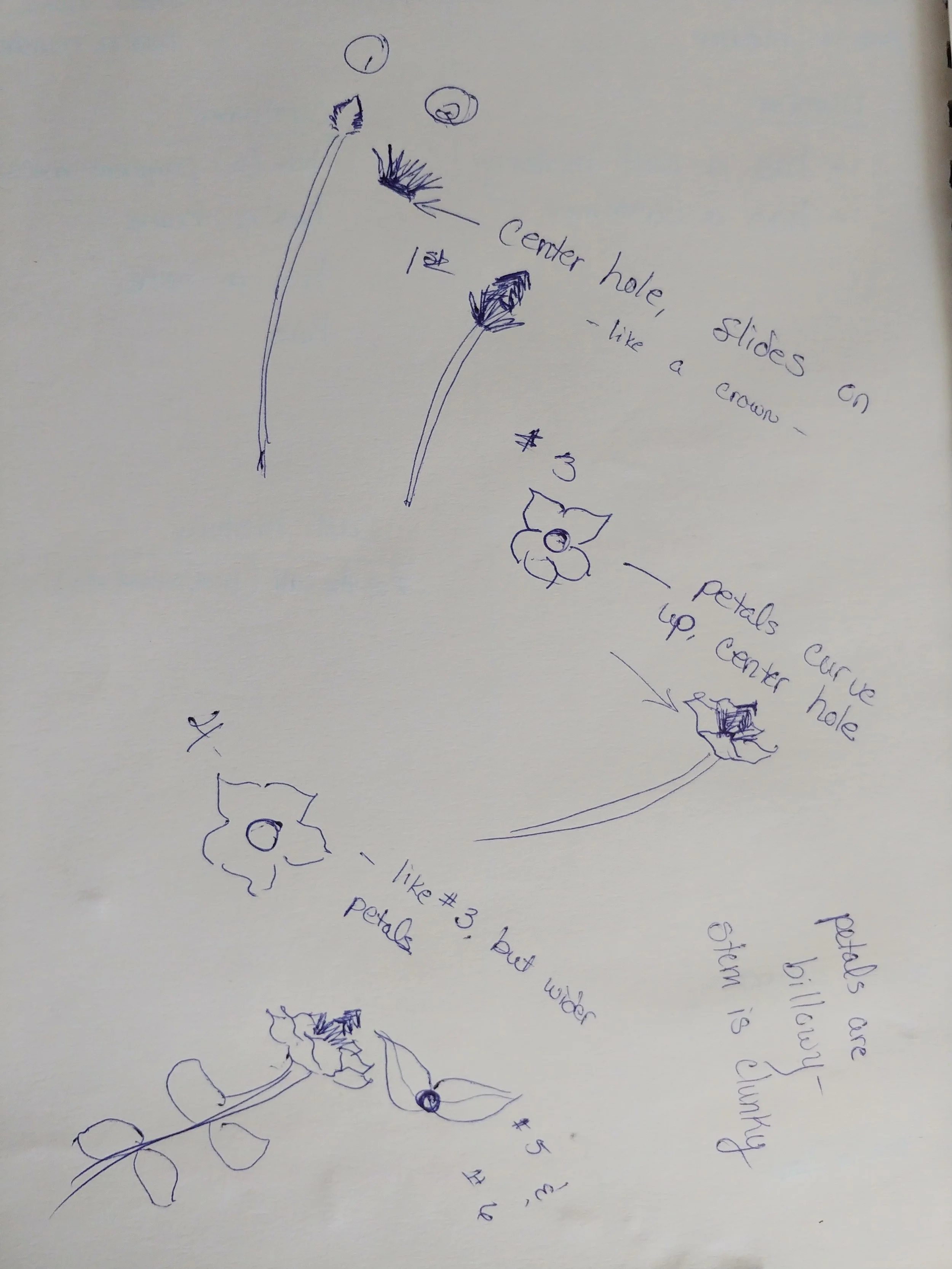
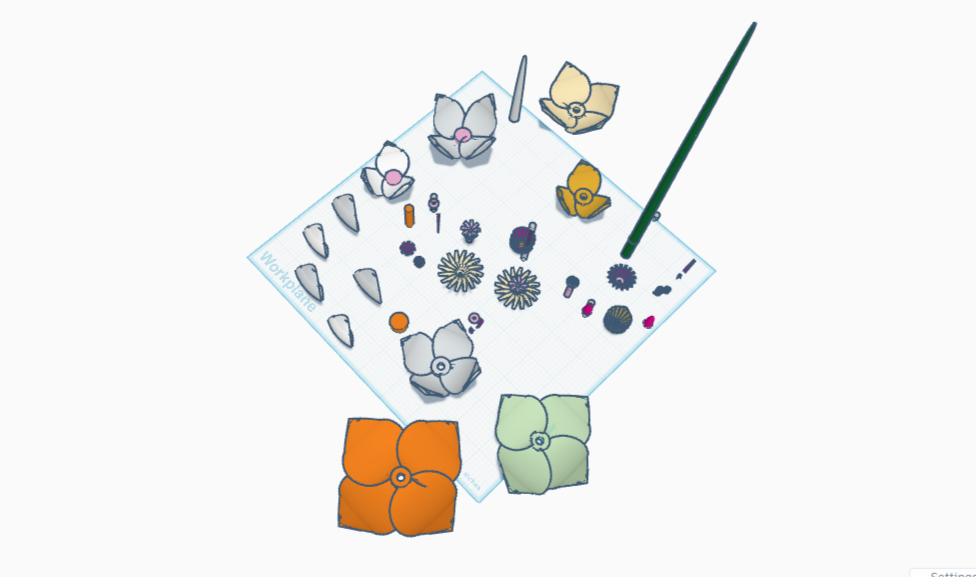
I decided to start with the petals. I made some, and they were beautiful. I made a lot of pieces, put them together, and was so happy with the design on-screen.
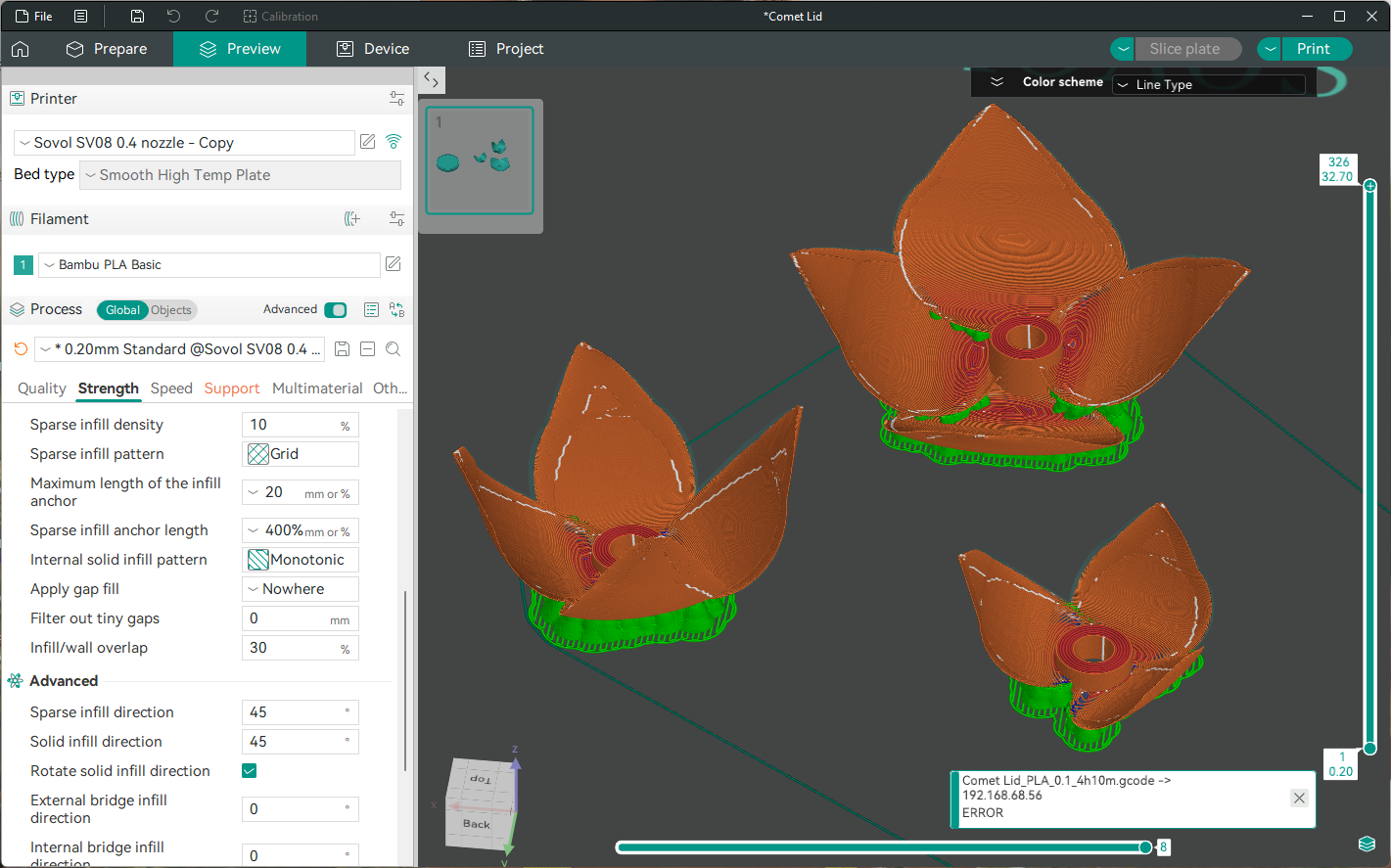
Unfortunately, my printer could not handle detail that fine. I tried changing the settings and the nozzle size, to no avail. The print attempts generally resulted in a lump, surrounded by puddles and string. With much coaxing, I succeeded in producing a very ugly lump, stripped of detail, but considerably less stringy than the first tries. It was still awful. I’ll leave it to your imagination to picture the awfulness, as there are no images.
Still, a lot of work went into those pieces, and they were lovely on the workplane. I saved all my work for the day we get an operational resin printer. Meanwhile, weeks had passed since I first drafted my ideas, and I needed a new plan.
When Things Go Horribly, Terribly Awry
First, I looked at what went wrong. The fine details were hard on the printer, sure, but there were other issues with this attempt. The petals trailed fuzz and string, losing the ends in the process. The crown tips didn’t exist. Having rings large enough to hold the petals meant there was a huge amount of space between each set.
Also I had been abusing the word ‘petal’, as what look like petals are called tepals, and they aren’t the same thing. For some reason. They look like petals though, and that’s important because I need a shape for reference. I also learned that magnolia petals tepals are not evenly distributed around a ring, but rather have an interesting property: each tepal is slightly higher than the one beside it, like a spiral staircase. This has the consequence of making one notable spot on each ring: where overlapping tepals are the highest and the lowest, there is a huge gap. It also adds a challenge when adding the tepals to the ring, as the ring has to be narrow, yet have room for attachments of ever-increasing heights.
I then looked at what went right.
Despite the crummy edges, my idea for forming a petal tepal shape had mostly held. The stem/tepal joining looked like it could work if I fine-tuned it — it was only the height of the rings that made the stacking bad. The stem itself was rather nice, proof that the overall concept worked.
Excellent. Back to the drawing board.
(continued in Part 2)