3D Printing Supports, Normal vs Tree! (Part 1)
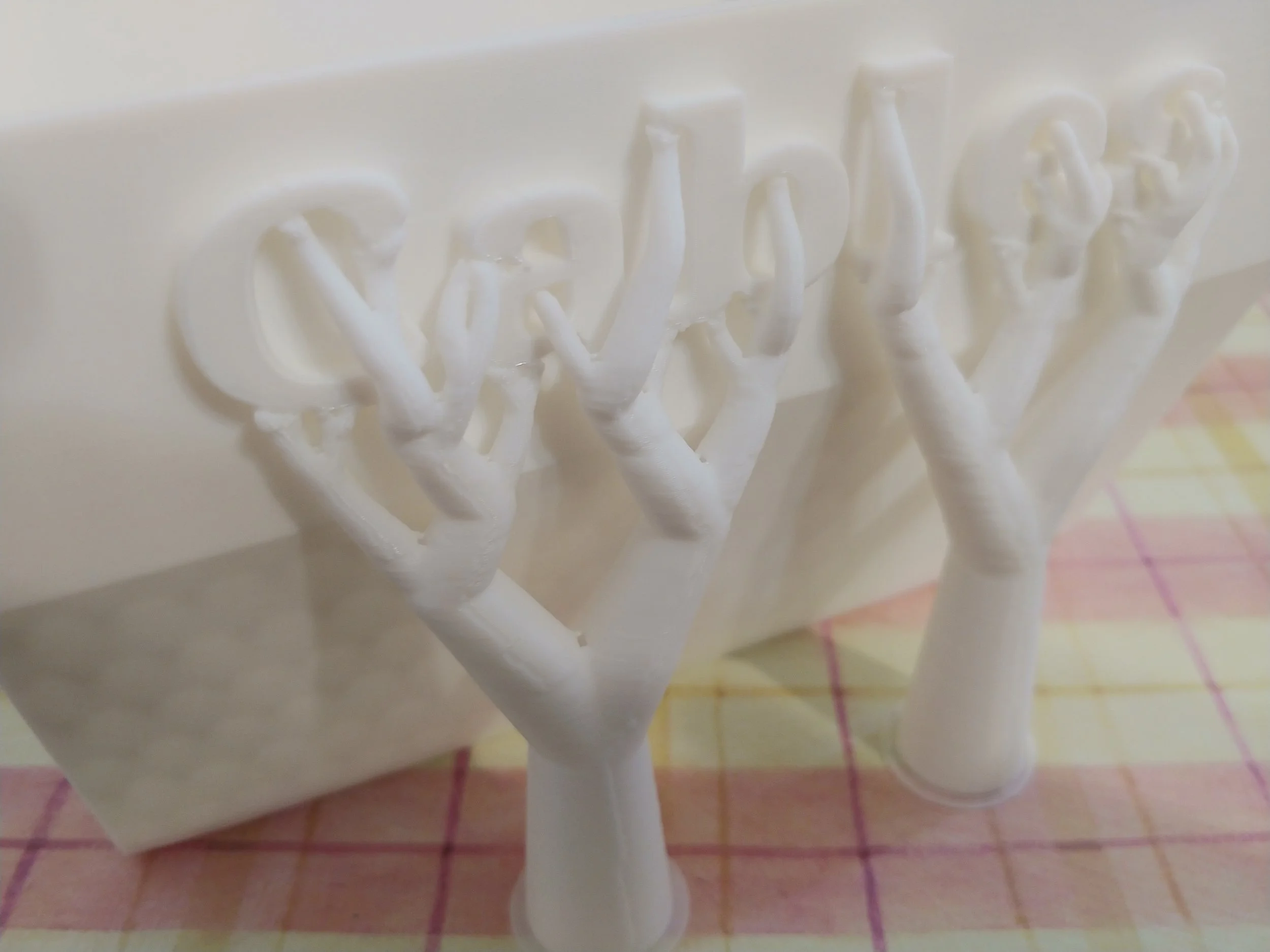
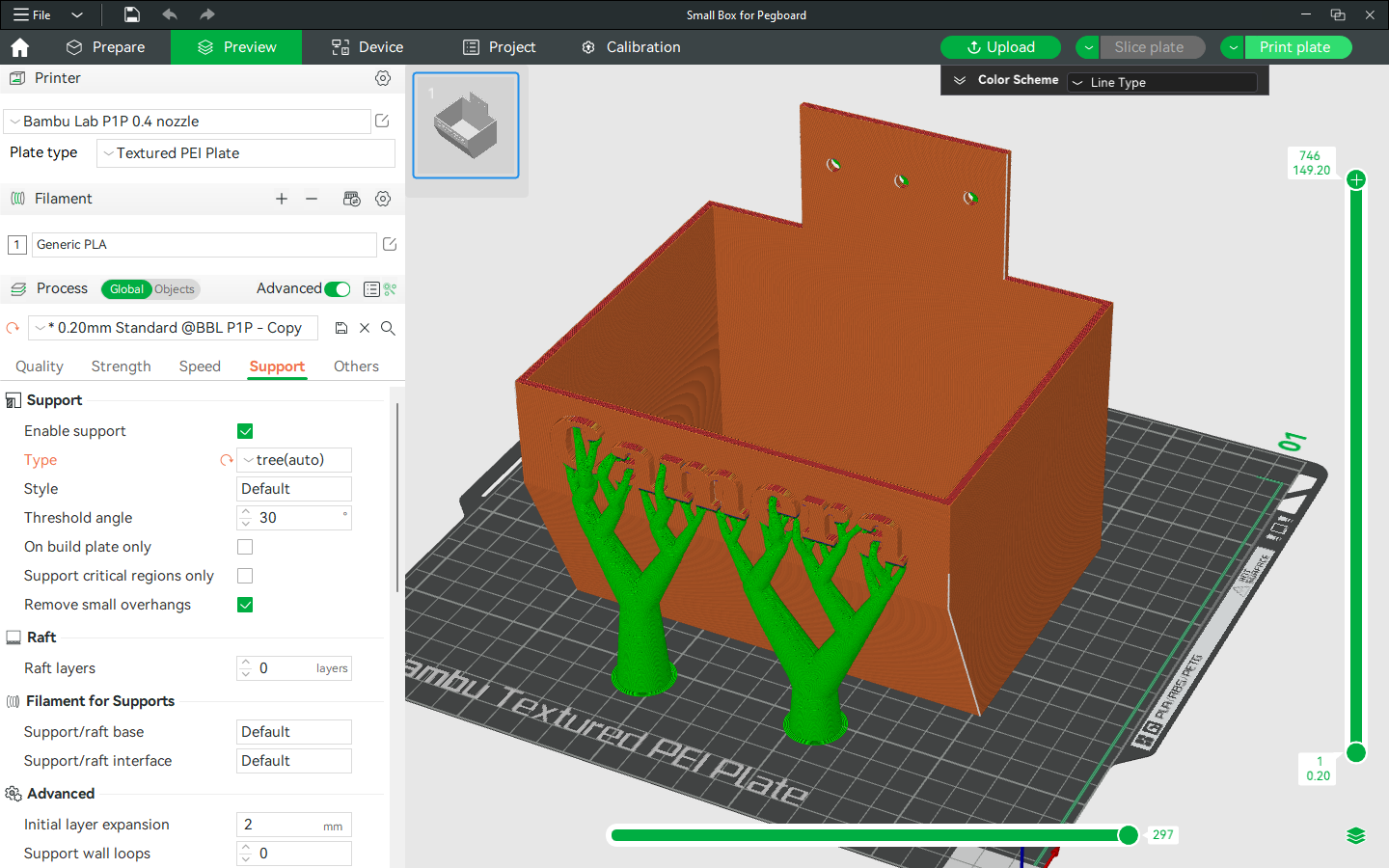
Tree Supports Holding Up Text
I created some storage bins to hang on the pegboard in the garage. The models looked great, and I had already printed a test square to make sure that the holes were sized and aligned correctly. It was time to print them, which meant time to figure out what kind of supports to use.
Supports, the extra bits of plastic that the software adds to provide stability under overhanging parts of the model, come in two main types on my Bambu printer, and must be enabled in the ‘Settings’ menu to work. The very first checkbox on the ‘Support’ section says ‘Enable support’, and needs to be checked in order to activate supports.
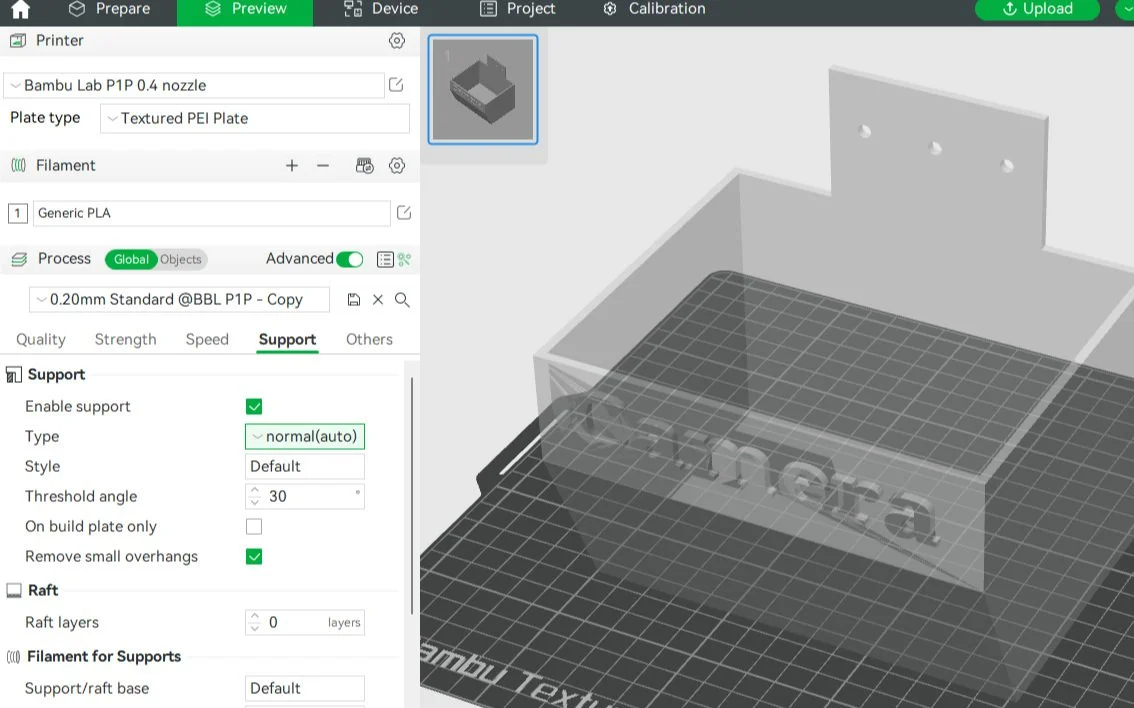
The software then offers me the ‘Type’ option, which consists of either ‘normal’ or ‘tree’. Each type can be ‘manual’ or ‘auto’, leaving four possible combinations.
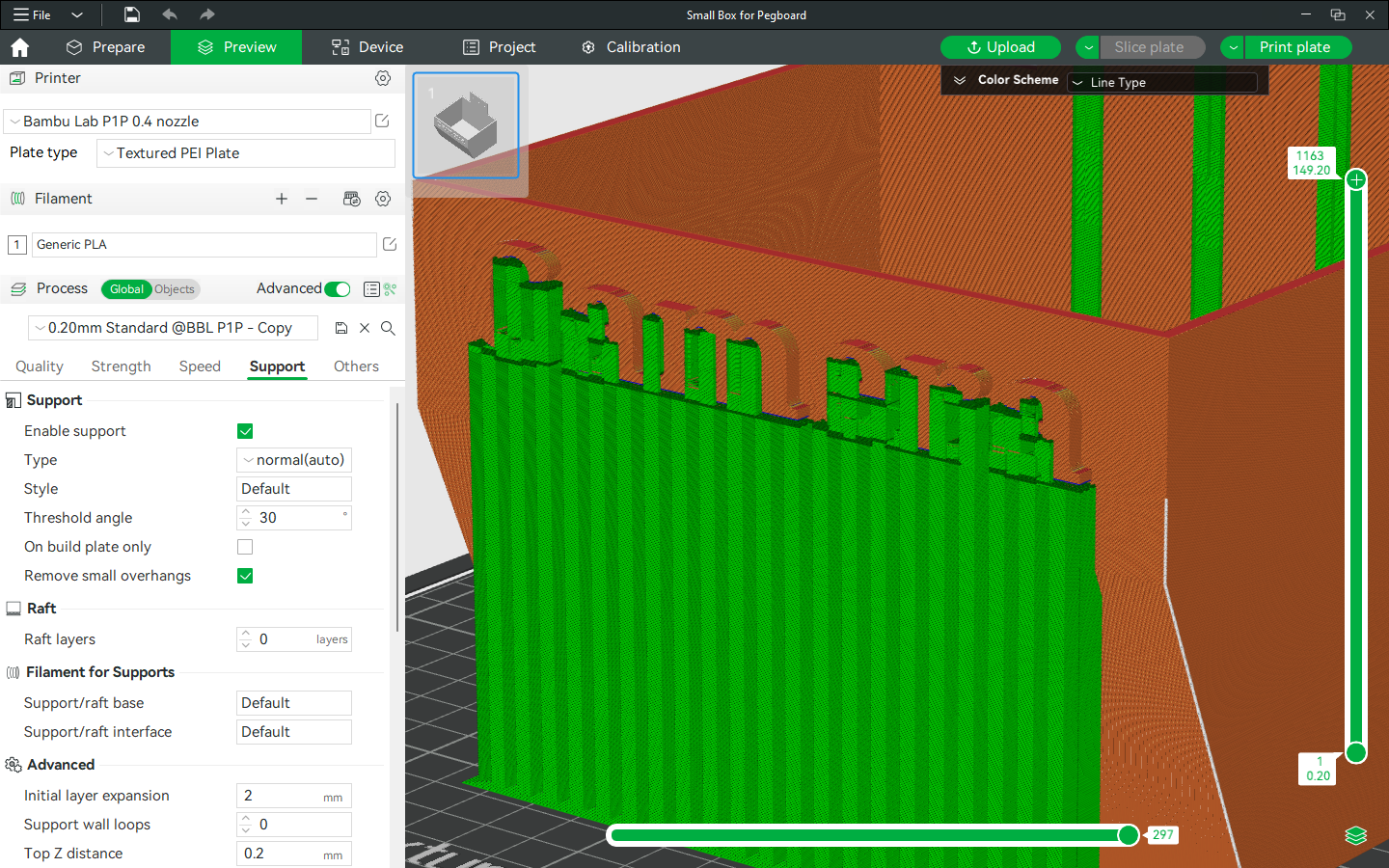
Normal supports are grid-like structures that end up looking like smooth rectangles on the outside. The inside is made of layers of plastic folded with gaps between them, creating a corrugated-cardboard look. The rectangular pieces hold things up, and create even smaller blocks to support smaller pieces.
Tree supports are plastic columns that have smaller columns extending out and up like the branches of a tree. The branches hold up whatever is underneath them, like Atlas holding up the world.
I have yet to use the manual setting for either support type. When hovering over the Type moniker in the Support menu, a pop-up appears and explains the difference between auto and manual. It claims that setting the supports manually only generates support enforcers. I won’t be using it for this.
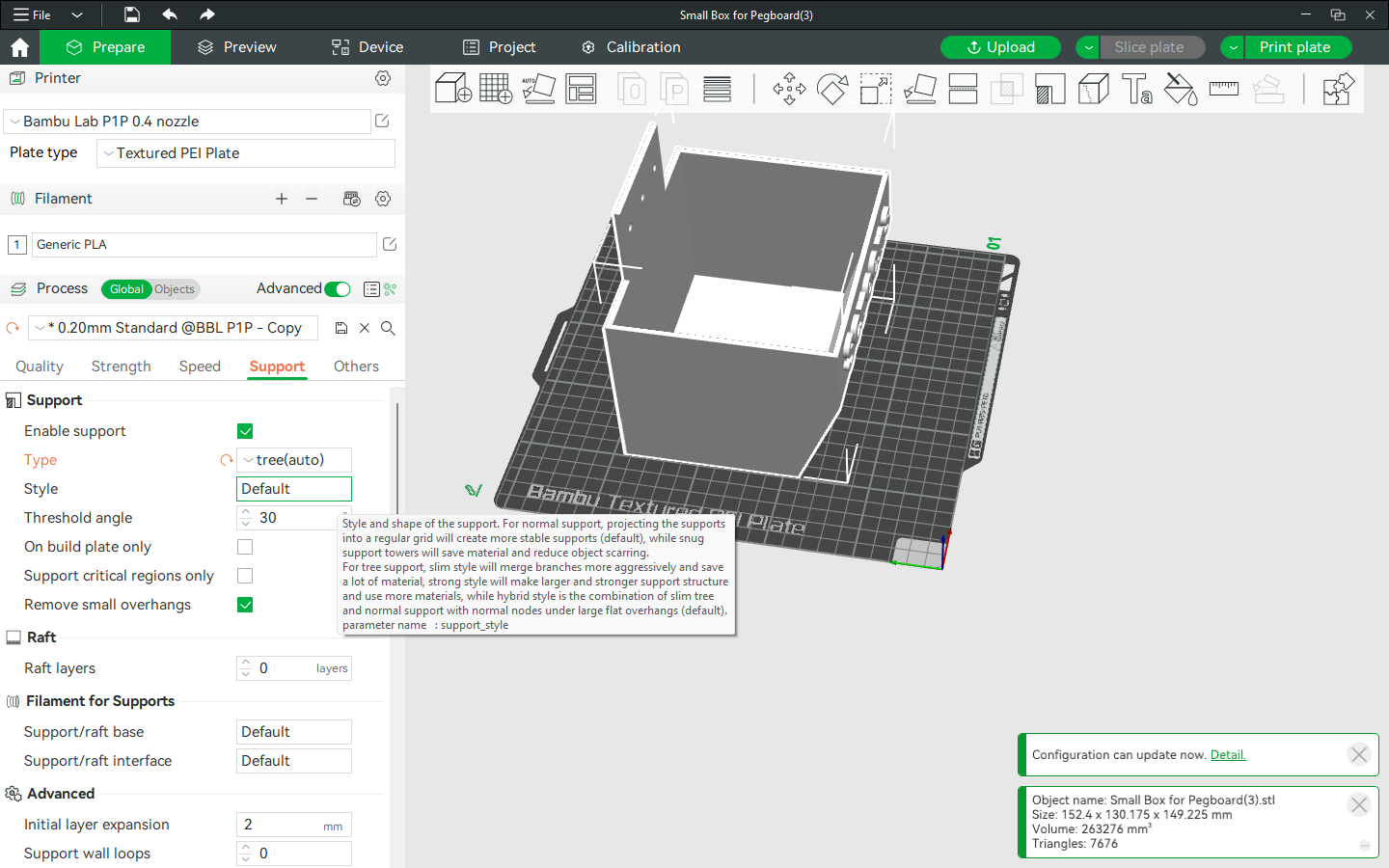
Style Information Straight from the Style Tab
Since I opted for lettering on the model, I wanted supports suitable for a more detailed print. I’ve found tree supports to be far better at preserving detail than the default blocky ones. The tree supports are often easier to remove too, probably because less of their surface touches the print. I ended up selecting the tree(auto) option for Type and default for Style.
I screenshotted how the model would look with normal supports, then with the tree supports, so you can have an idea of how they differ.
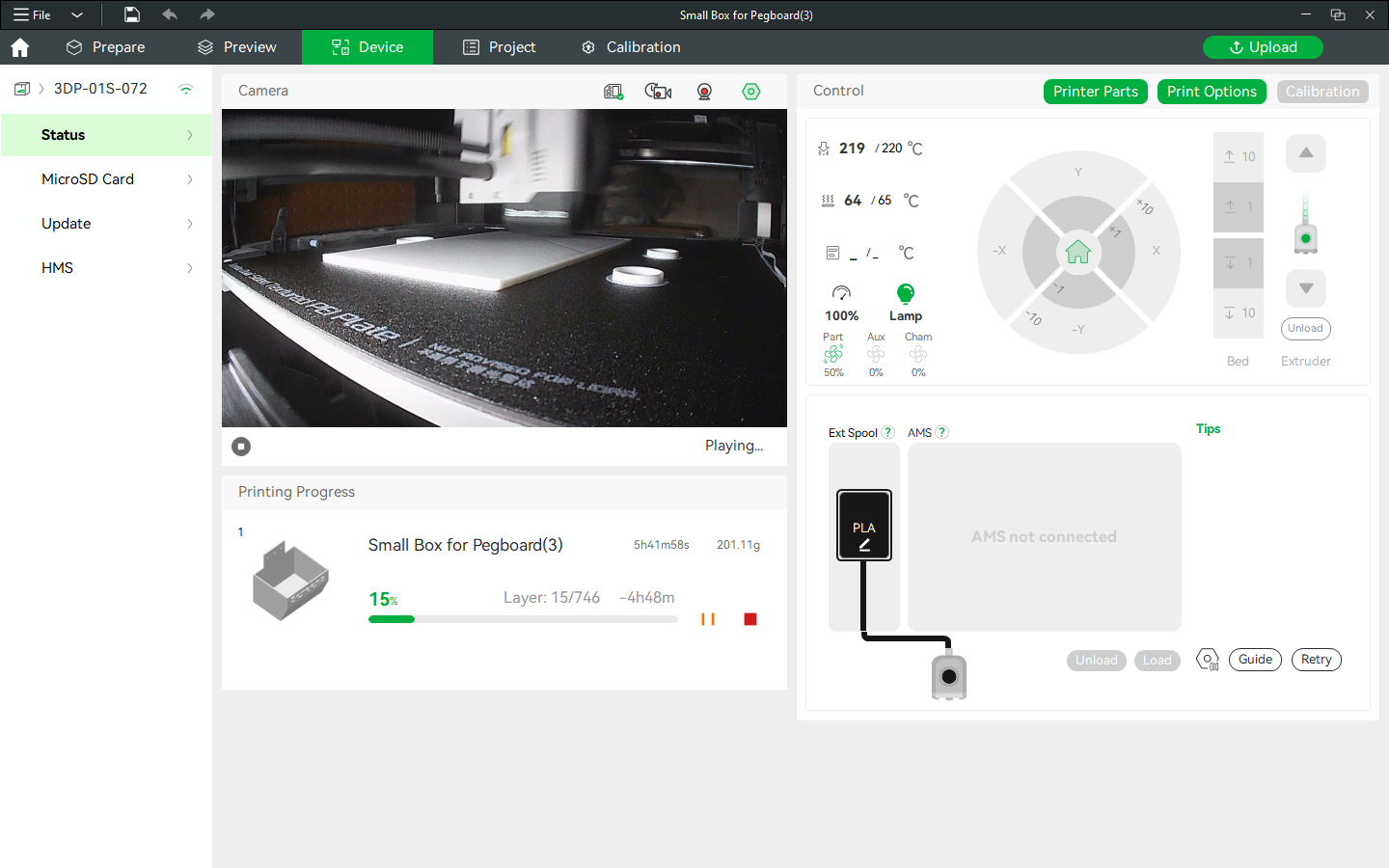
To see how the supports get added, I took a screenshot of the printer in action. In the frame titled ‘16 Layers In’, the cylinder bases of the tree supports are visible next to the rectangular base of the model.
Meanwhile, while the bins are printing, it’s time for some fun! I’m going to experiment with the Bambu printer’s threshold angle, then see how the Build Plate Only setting affects 3D printing supports.